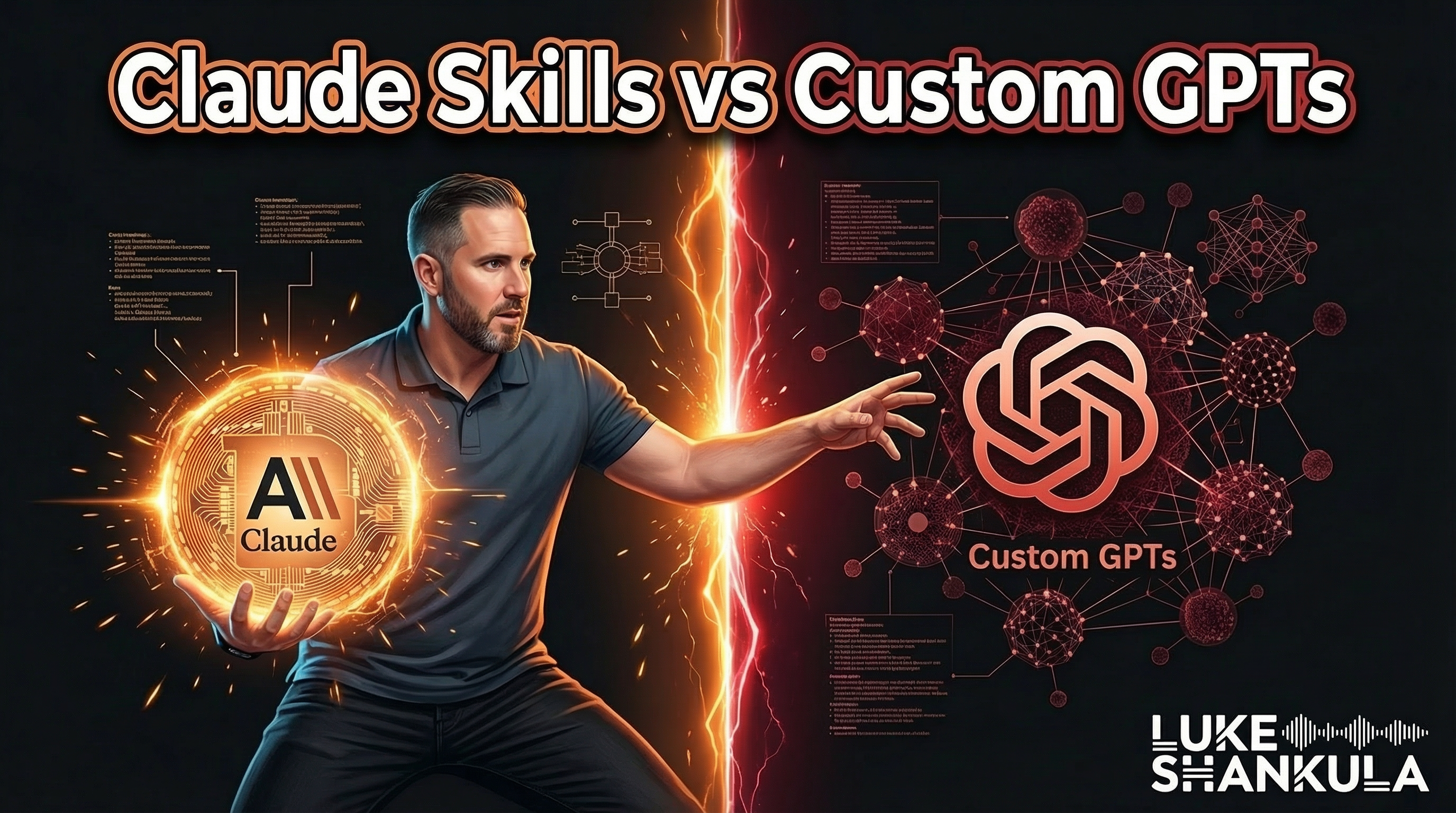
Claude Skills are reusable prompts that follow you across every project and conversation in your account. Custom GPTs are standalone bots you build once and share with anyone. They solve similar problems in completely different ways, and most people pick the wrong one for what they actually need.
I used to have twelve separate Claude Projects. One for emails. One for social posts. One for blog writing. One for video scripts. Every single time I wanted to write something, I had to re-upload my voice profile, my brand guide, my banned words list, and whatever transcripts were relevant. It was a mess. And then Claude launched Skills, and I deleted ten of those projects in a week.
But that does not mean Custom GPTs are dead. They still win in one specific scenario. And if you are building AI tools for other people, you need to understand the difference.
Why Most People Are Using Both of These Wrong
Think about it like hiring. A Custom GPT is a contractor you bring on for a specific job. They have their own tools, their own instructions, and they show up ready to work. But they only know what you told them during the onboarding. They do not know anything about your other projects, your history, or what you did last week.
A Claude Skill is more like an SOP you hand to an existing employee. That employee already knows your business, your preferences, your voice, and your history. The SOP just tells them how to handle a specific type of task. They bring all their existing context to the job.
Most people build Custom GPTs when they really need Skills. They spend hours setting up a GPT with detailed instructions, upload reference documents, and then realize they can only use it inside that one GPT. They cannot bring that knowledge into their other work. Every time they want to do something slightly different, they need a whole new GPT.
On the other side, some people try to use Claude Skills when they really need a Custom GPT. If you want to build something that your real estate agents, your clients, or your team can use without having a Claude account, a Skill will not help you. Skills live inside your account and cannot be shared.
How Claude Skills Actually Work
A Skill is a set of instructions written in markdown that lives in your Claude account. You create it once, and then it shows up automatically whenever you say something that triggers it.
Step 1: Build the output you want first
Do not start by trying to write a Skill from scratch. Start by having a conversation with Claude where you go back and forth until the output is exactly what you want. Write a follow-up email. Refine it. Tell Claude what you do not like. Get it perfect.
This is the part most people skip. They try to write the Skill instructions before they even know what good output looks like. That is backwards.
Step 2: Turn that conversation into a Skill
Once your output is dialed in, say something like: "Can you help me create a skill based on this conversation? Take into account all of the feedback I gave you so the skill is as good as possible."
Claude has a built-in skill for creating skills. It will look at everything you discussed, every correction you made, and package it into a markdown file with trigger keywords, instructions, and formatting rules.
Step 3: Save and test it everywhere
Click the "Save to Skill" button if it appears. If it does not show up, download the markdown file and upload it manually through the Customize menu. Then open a completely different project or a blank chat and test it. Say something that should trigger the skill and see if it fires.
The power move is that this skill now works in every project you have. Your business project, your health project, a random chat with no context at all. The Skill carries the instructions. The project carries the context. They combine automatically.
When Custom GPTs Still Win
Custom GPTs have one major advantage that Skills cannot touch: they are shareable.
If you are a loan officer building AI tools for real estate agents, Custom GPTs are still the easiest way to put something useful in their hands. Your agents do not need a paid Claude account. They do not need to understand prompting. They just open the GPT and use it.
Building a headshot creator for agents? Custom GPT. A listing description generator? Custom GPT. A market stats tool? Custom GPT.
The rule is simple. If the tool is for you, build a Skill. If the tool is for someone else, build a Custom GPT.
There are more advanced options too. Google AI Studio lets you build tools with more customization. And if you have development skills, you can build fully custom applications. But for most people, the GPT-for-others and Skill-for-yourself split handles 90% of use cases.
What This Looks Like in Practice
Zach Bleznick is one of my consulting clients. He has been in the mortgage business for 19 years and has done roughly $500M in volume. When I first showed him Skills, he had the same glazed-over look that most people get. It sounds abstract until you do it.
Then he went home and built his first one. It was for recap emails after agent meetings. He used to walk out of coffee meetings and sit down at his desk an hour later trying to remember what they talked about. Now he does a voice dump into Claude right after the meeting, and his Skill formats it into a branded follow-up email in seconds.
Within a week, he had built five or six more Skills. Recruiting pitch decks. Pre-approval congratulations emails. Agent onboarding documents. Each one follows his voice, his brand, and his process. He built a system that produces consistent output without having to re-explain himself every time.
That is the whole point. You teach the AI once, and it remembers how to do it forever. We teach this process inside Direct Authority AI, and members with zero prior AI experience are building these kinds of workflows within weeks of joining.
The Bigger Picture: Your AI Workflow Should Shrink, Not Grow
Most people's AI setup gets more complicated over time. More GPTs. More projects. More scattered conversations. More re-explaining who you are and what you want.
The right AI setup gets simpler over time. Fewer projects, more skills. One place where the AI knows you, and a set of instructions it can follow anywhere.
Your humanness is your moat. The stories you tell, the way you explain things, the opinions you hold. AI amplifies all of that. But only if you set it up to actually know who you are instead of starting from zero every single conversation.
If you have been using ChatGPT and thinking about trying Claude, the Skills feature alone is worth the switch. And if you are already on Claude but still creating a new project for every task, stop. Build a Skill instead.
Luke Shankula is an AI content strategist who has trained over 200 loan officers on using AI for marketing and business operations. He is the founder of Direct Authority AI and builds AI-powered content systems for mortgage professionals.
Frequently Asked Questions
Can I share Claude Skills with other people?
No. Skills live inside your individual Claude account. You cannot share them the way you share a Custom GPT link. If you need to build a tool for someone else to use, a Custom GPT is still the better option. If the tool is for your own repeated use, a Skill is better.
Do I need to know how to code to create a Claude Skill?
Not at all. Skills are written in markdown, but Claude will write the Skill for you. All you need to do is have a conversation, refine the output until it is exactly what you want, and then ask Claude to turn it into a Skill. The whole process takes about 15 minutes.
What happens if my Skill triggers when I do not want it to?
Skills trigger based on keywords in your prompt. If one fires when you did not intend it, you can either edit the trigger keywords in the Skill's description or just tell Claude in that conversation to ignore the Skill and respond normally.
Should I move all my Custom GPTs to Claude Skills?
Only the ones you built for yourself. If you have Custom GPTs that you share with clients, agents, or team members, keep those as GPTs. Move the personal-use ones to Skills.
How many Skills can I have in Claude?
There is no hard limit. You can have over a dozen Skills running across your account covering everything from email writing to social posts to SEO content. Each Skill should handle one specific type of task well.
Want more insights like this?
I share AI strategies, mortgage marketing tips, and business lessons regularly.