The Only AI Tools You Actually Need in 2026 (And How to Use Them)
 Luke Shankula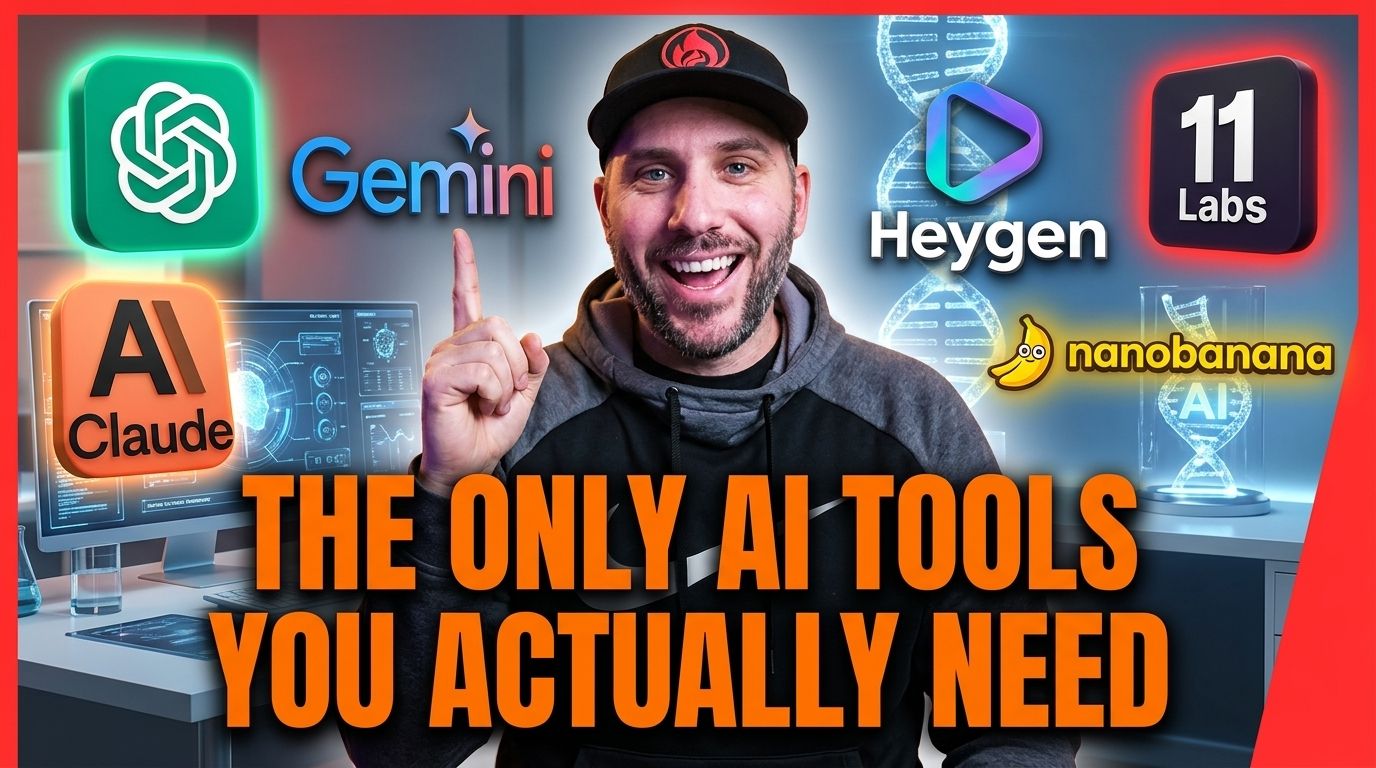
There are hundreds of AI tools right now. New ones launch every week. Your LinkedIn feed is full of people telling you about the latest one that's going to change everything.
Most of them don't matter.
I've spent the last two years testing AI tools, building with them, and coaching professionals on which ones actually move the needle. The honest answer is that you need about five or six tools to cover everything a professional or small business owner would want AI to do. The rest is noise.
Here's what actually matters, why it matters, and how to start using each one today.
The Core Toolkit
Think of AI tools in five categories: writing, images, video, research, and learning. You need one good tool in each category. Everything else is optional and can be added later when you've mastered the basics.
Writing: Claude, ChatGPT, or Gemini
This is where you'll spend most of your time with AI. A writing tool handles your content creation, email drafts, marketing copy, client communications, proposals, blog posts, social media, and basically anything that involves putting words together.
I use Claude as my primary tool. It produces the most natural-sounding writing, follows complex instructions better than the alternatives, and is excellent at maintaining a consistent voice across long projects. When I'm building content systems, writing blog posts, or creating anything that needs to sound like a specific person, Claude is where I start.
ChatGPT is great too, especially for quick tasks and brainstorming. It has a wider plugin ecosystem and solid image generation built in. A lot of people start with ChatGPT because the interface is familiar and the free tier is generous.
Gemini through Google AI Studio is the one most people underestimate. It's free, it's powerful, and it connects to Google's entire creative ecosystem. If you're already deep in Google's world (Gmail, Drive, Docs), Gemini fits naturally into how you already work.
My honest recommendation: pick one and use it every single day for 30 days. The tool matters less than the habit. You can always switch or add a second one later. The professionals who get the best results are the ones who picked a tool and committed to using it, not the ones who spent weeks comparing options.
Images: Google's Nano Banana, Ideogram, or ChatGPT
Visual content performs better than text on every platform. You need images for social media, thumbnails, presentations, marketing materials, and client-facing documents.
Google's Nano Banana models are my favorite image generation tools right now. Nano Banana Pro (built on Gemini 3 Pro) produces studio-quality images with incredible detail, accurate text rendering in multiple languages, and creative controls for lighting, camera angles, and depth of field. Nano Banana 2 (Gemini 3.1 Flash) gives you nearly the same quality but much faster, and it's the default in the Gemini app. Both are available through the Gemini app and Google AI Studio.
Ideogram is excellent when you need stylized text on images. If you're making thumbnails, social graphics, or anything with words baked into the visual, Ideogram handles text better than most alternatives.
ChatGPT's image generation (DALL-E) is solid for quick visuals and brainstorming. It's convenient because it's right there in the same tool you're already using for writing.
For most professionals, start with whatever's easiest to access. If you're already in the Gemini app, use Nano Banana. If you're already in ChatGPT, use DALL-E. Get comfortable generating images before you worry about which model is technically the best.
Video: Google Veo, HeyGen, and ElevenLabs
Video is the highest-performing content format on every social platform right now. It's also the format most professionals avoid because they think it requires a camera, good lighting, editing skills, and time they don't have.
AI changed that completely.
Google's Veo model creates stunning video from text prompts. Describe what you want to see and it generates it. For b-roll, background visuals, and conceptual content, it's incredibly useful.
HeyGen lets you create professional-looking talking-head videos using an AI avatar that looks and sounds like you. You type or paste a script, choose your avatar, and it generates a video. It's not the same as filming yourself, but it's dramatically better than posting nothing because you didn't have time to set up a camera.
ElevenLabs handles voice cloning. It can replicate your voice so accurately that most people can't tell the difference. This is useful for voiceovers, audio content, and any situation where you want your voice attached to content you didn't physically record.
The combination of these tools means a solo professional can produce video content that would have required a production team three years ago. Some people use AI video for everything. Others use it as a supplement - real video when they have time, AI video when they don't. Either approach works.
Research: Perplexity
Perplexity is an AI-powered search engine that gives you sourced answers instead of a list of blue links. You ask a question, it searches the web, and gives you a synthesized answer with citations so you can verify the sources.
For staying current on industry trends, researching topics before creating content, and getting up to speed on something quickly, Perplexity saves an enormous amount of time. Instead of opening ten tabs and reading ten articles, you ask Perplexity and get a comprehensive summary in 30 seconds.
I use it almost daily for research before writing. If I'm creating content about a topic, I'll check Perplexity first to make sure I'm not missing anything recent or getting a detail wrong.
Learning and Repurposing: Google NotebookLM
This is the tool most people haven't discovered yet, and it might be the most useful one on this list for professionals who need to stay sharp.
NotebookLM lets you upload documents, transcripts, YouTube videos, articles, and other sources. Then it turns that material into study guides, summaries, FAQs, briefing documents, and even podcast-style audio discussions about the content.
For professionals, this is gold. Upload a conference recording and get the key takeaways distilled into a document. Drop in a collection of industry articles and get a comprehensive briefing. Feed it your own content and it creates new formats you can repurpose - turn a blog post into a slide deck, turn a transcript into an article outline, turn meeting notes into action items.
NotebookLM is completely free and it's one of the most underrated tools in the entire AI space right now. If you only try one new tool after reading this post, make it this one.
The One Thing That Matters More Than Any Tool
Here's the part that everyone skips, and it's the most important thing I'll say in this entire post.
The tool doesn't matter nearly as much as what you feed it.
Every major AI model is trained on essentially the same internet. When you open any of these tools and type a generic prompt, you get a generic output. That's why so much AI content sounds identical - everyone is giving the same vague instructions and getting the same statistical average of all the content on the web.
The professionals getting remarkable results from AI are doing something different. They're giving AI context about who they are, how they communicate, what makes their perspective unique, and what their audience cares about. They're feeding it their voice first.
I wrote about this in detail in my post on the Voice-First Method. The short version: record yourself talking about your work for 20 to 30 minutes, transcribe it, and use that transcript as the foundation for everything AI creates for you. The difference in output quality is staggering.
This is actually why I built Duplico. The manual process of recording yourself, transcribing, and pasting context into AI every time you want to create content works, but it's tedious. Duplico captures your voice through an interview process once, and then every piece of content it generates already sounds like you from the first draft. It also has built-in keyword research, SEO tools, and image generation so the whole content workflow lives in one place. If the voice-first approach clicks with you but the manual version feels like too many steps, that's what Duplico was designed to solve.
A lazy prompt produces lazy content. Rich context about who you are produces content that sounds like you actually wrote it. That principle is true whether you're doing it manually in Claude, using Duplico, or working in any other tool.
The Second Brain: How to Stop Repeating Yourself
Once you've been using AI for a few weeks, you'll notice a frustrating pattern. You keep giving it the same background information over and over. Your bio, your voice, your audience, your products, your stories. Every new conversation starts from zero.
The fix is what I call a second brain. It's a project or workspace inside your AI tool where all your context lives permanently.
In Claude, you can set up a Project and load it with your voice guide, your common topics, your client stories, your FAQs, and anything else the AI needs to know about you. Every conversation inside that project starts with all that context already loaded.
Instead of spending the first five minutes of every session explaining who you are, you open your project and start creating immediately. The AI already knows your voice, your audience, and your style.
I run my entire content operation out of Claude Projects. Every blog post, social media post, email, and script starts in a project that has hundreds of conversations worth of context about my voice, my businesses, and my audience. The system gets smarter over time because every conversation adds more context.
You don't need anything that complex to start. Even a simple project with your bio, a few voice recordings, and a list of topics you cover regularly will save you hours every week and dramatically improve what AI produces for you.
The 30-Day Plan to Actually Get Started
Most people read posts like this, feel inspired, and then never actually do anything. Here's a specific plan so you don't end up in that category.
Week 1: Pick one writing tool - Claude, ChatGPT, or Gemini. Use it every single day for something real. Draft an email, write a social post, brainstorm ideas, create a client document. The goal is making it part of your daily routine.
Week 2: Do the Voice-First Method. Record yourself talking about your work for 20 minutes. Transcribe it. Feed it to your AI tool and create 5 social media posts from the material. Edit them until they sound like you. Post them.
Week 3: Try one visual tool. Generate an image with Nano Banana or Ideogram. Create a thumbnail for a piece of content. Make a simple graphic for social media. Get comfortable with the idea that you can create visuals without a designer.
Week 4: Set up your second brain. Create a project in Claude (or whatever tool you're using) with your bio, your voice guide, and your common topics. Start your next piece of content from inside that project and notice the difference.
By the end of 30 days, you'll have a daily AI habit, a voice profile that makes your content sound like you, visual creation skills, and a second brain that gets smarter every time you use it. That puts you ahead of the vast majority of professionals in any industry.
What Most People Get Wrong
Three misconceptions I hear constantly.
"AI is going to replace me." It's not. AI makes you more efficient and more visible. It doesn't replace the expertise, relationships, and judgment that make you valuable to your clients. Your humanness is your moat. AI amplifies it.
"I need to learn everything before I can start." You don't. You need to learn one tool well enough to use it daily. Everything else can come later. The people who try to master six tools in the first week get overwhelmed and quit. Pick one. Commit to it. Add the next one when you're ready.
"The content AI creates is obviously AI." Only if you use it wrong. Generic prompts produce generic output. When you feed AI your actual voice and edit the result with care, the content that comes out is indistinguishable from something you wrote yourself. The audience doesn't care how content was made. They care whether it's authentic and helpful.
I write about AI, personal branding, and building businesses that scale. If you want the tactical breakdown of how to use these tools in a specific industry, check out Direct Authority AI where I coach professionals on implementation twice a week.
Frequently Asked Questions
What's the best AI tool to start with if I've never used any of them?
Claude or ChatGPT for writing. Both have free tiers that are good enough to build the habit. Pick whichever interface feels more comfortable and use it every day for 30 days. Writing is where you'll get the most immediate value as a professional.
How much do AI tools cost?
You can start for free. ChatGPT has a free tier, Google AI Studio and Gemini are free, Perplexity has a free version, and NotebookLM is free. Paid versions (Claude Pro at $20/month, ChatGPT Plus at $20/month, Perplexity Pro at $20/month) offer better performance and higher limits. Most professionals find the paid versions worth it within the first month.
What's the difference between Claude, ChatGPT, and Gemini?
Claude produces the most natural writing and follows complex instructions well. ChatGPT has strong image generation and a wide plugin ecosystem. Gemini is free through Google AI Studio, connects to Google's creative tools like Nano Banana and NotebookLM, and works well if you're already in Google's ecosystem. Most power users have a primary tool and pull from the others for specific tasks.
Do I need to be technical to use AI tools?
No. If you can have a conversation, you can use these tools. They're built to work through natural language - you type what you want in plain English and the AI responds. There's no coding, no technical setup, and no special skills required to get started.
How do I know if AI is actually helping my business?
Track two things: are you creating content more consistently, and are you saving time on repetitive tasks. If AI helps you post 5 times a week instead of once, that's measurable. If it cuts your email drafting time in half, that shows up in your calendar. Most professionals see clear results within 60 to 90 days of consistent use.
Will AI tools keep changing and make what I learn obsolete?
The tools will improve, but the core skills transfer. Learning how to give AI good context, how to edit output effectively, and how to build a second brain - those skills work regardless of which model or platform is popular next year. The fundamentals stay the same even as the tools evolve.
Written by
Luke Shankula
Luke Shankula is the founder and CEO of Direct Authority AI, a comprehensive AI-powered platform and coaching community helping mortgage professionals build scalable, agent-independent businesses through AI automation and direct-to-consumer marketing. Based in San Diego, Luke leads a community of 175+ loan officers who are leveraging AI for competitive advantage. He created Duplico, Direct Authority AI's flagship software featuring 50+ AI marketing tools that generate authentic, on-brand content across multiple platforms - from social media and email sequences to video scripts and webinar presentations. Luke has become a sought-after speaker on AI implementation in mortgage, presenting at major industry events including MortgageCon, AIME Fuse, IMN Mortgage AI Conference, and the HMA Sales Rally. His monthly AI Summit attracts 600+ registrants, making it one of the mortgage industry's premier AI education events. His work has been featured in National Mortgage News, NBC, Yahoo Finance, Mortgage Marketing Animals podcast, and The Loan Officer Podcast. Above all, Luke is a husband, father of four, and passionate entrepreneur focused on helping mortgage professionals build businesses they're proud of while staying ahead of technological change in their industry.
Want more insights like this?
I share AI strategies, mortgage marketing tips, and business lessons regularly.